You haven't signed in yet, you can have a better experience after signing in
*Please complete the payment within {{receiveCouponInfo.expire_at}}Previous use*
You haven't signed in yet, you can have a better experience after signing in



Activity Rules
1、Activity time:{{ info.groupon.start_at }} ~ {{ info.groupon.end_at }}。
1、Activity time:cease when sold out。
2、Validity period of the Group Buying:{{ info.groupon.expire_days * 24 }} hours。
3、Number of Group Buying:{{ info.groupon.need_count }}x。
Please Pay Attention
1、Teamwork process: Join/initiate a Group Buying and make a successful payment - Within the validity period, the number of team members meets the activity requirements - Group Buying succeeded!
2、If the number of participants cannot be met within the valid period, the group will fail, and the paid amount will be refunded in the original way.
3、The number of people required and the time of the event may vary among different products. Please pay attention to the rules of the event.

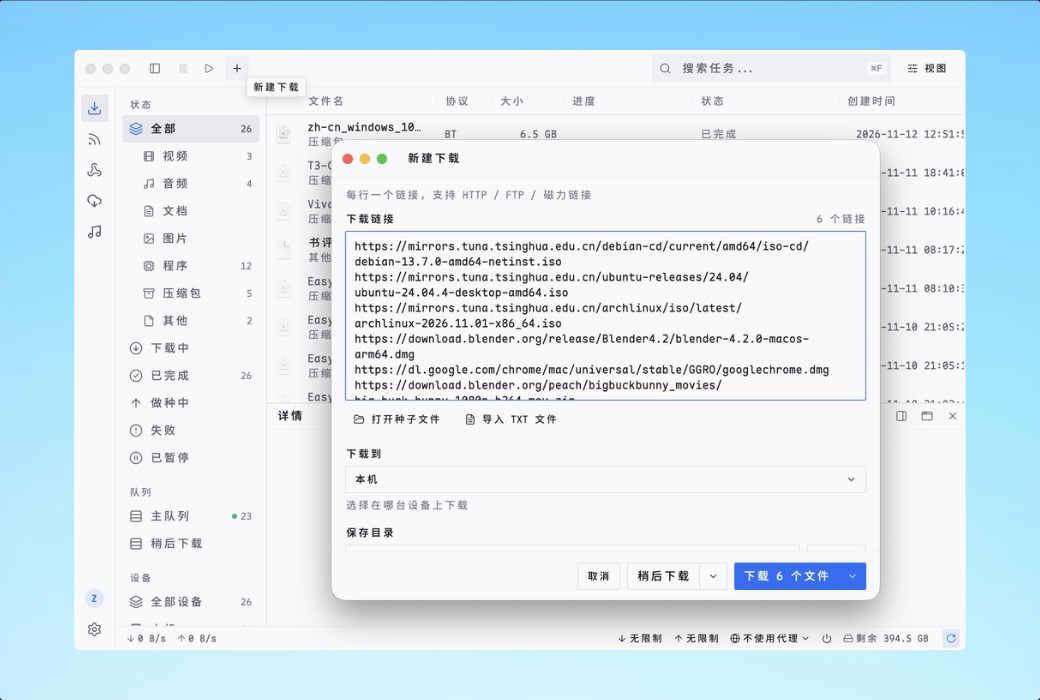
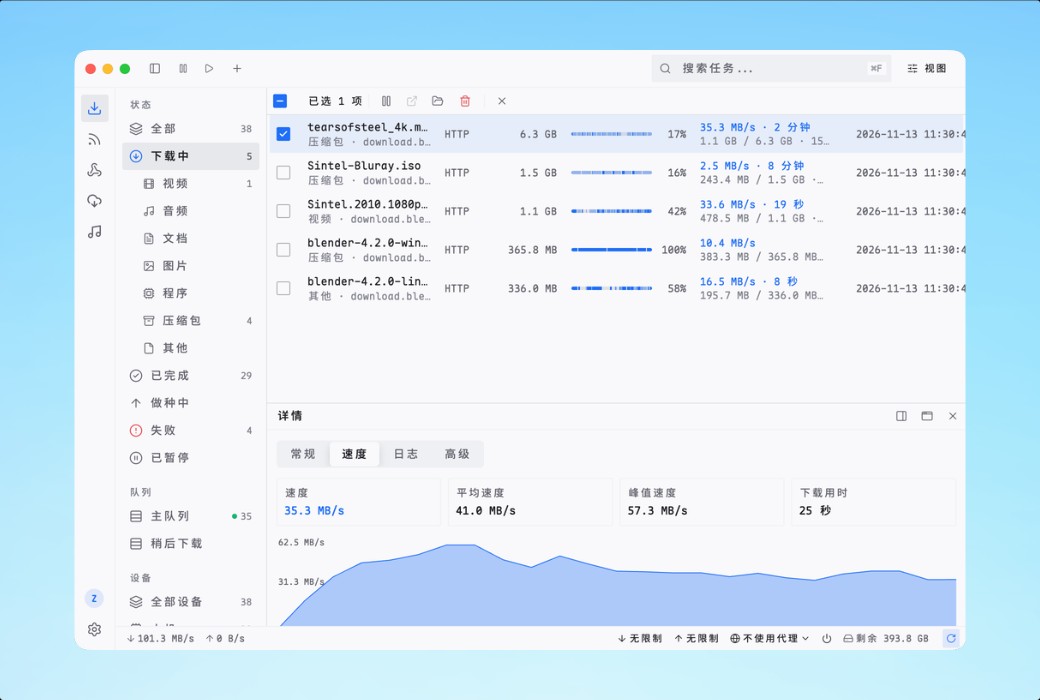
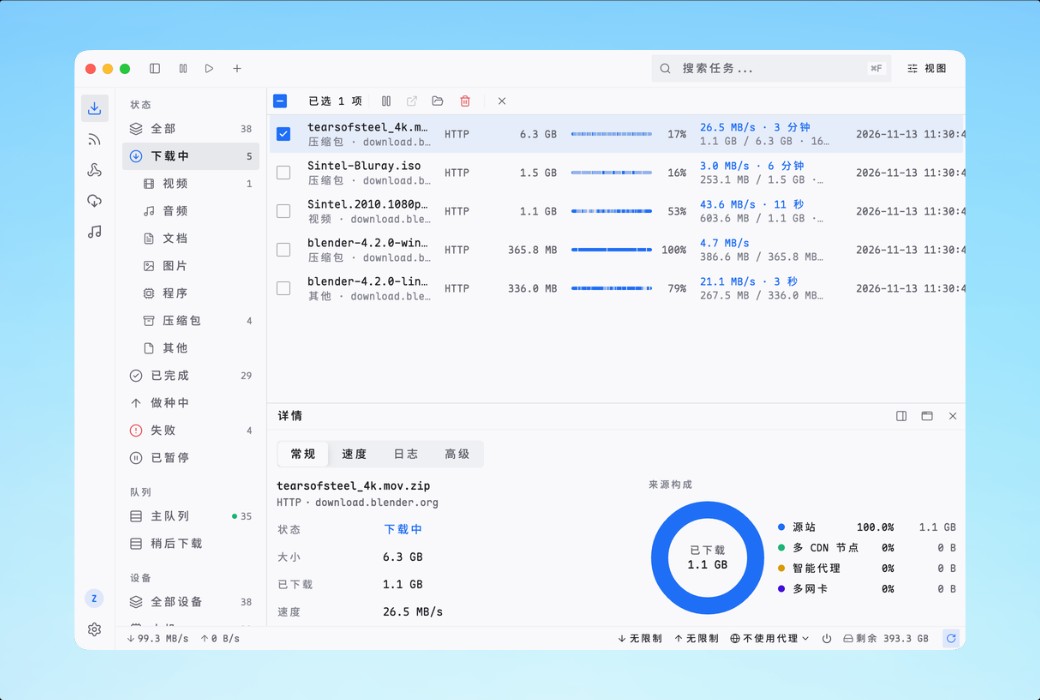
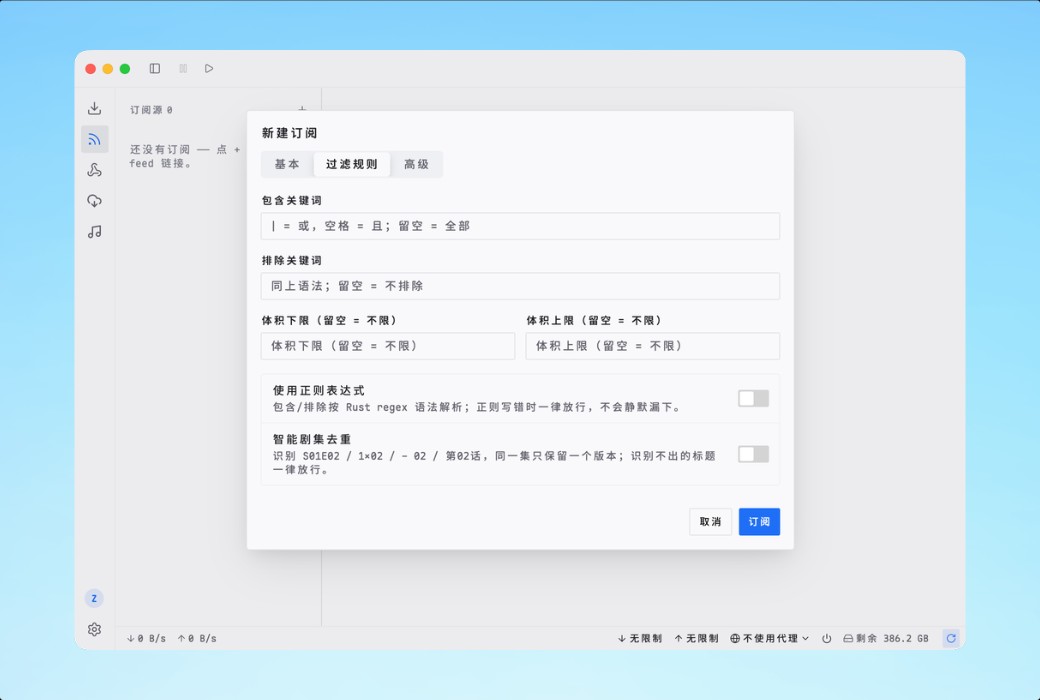
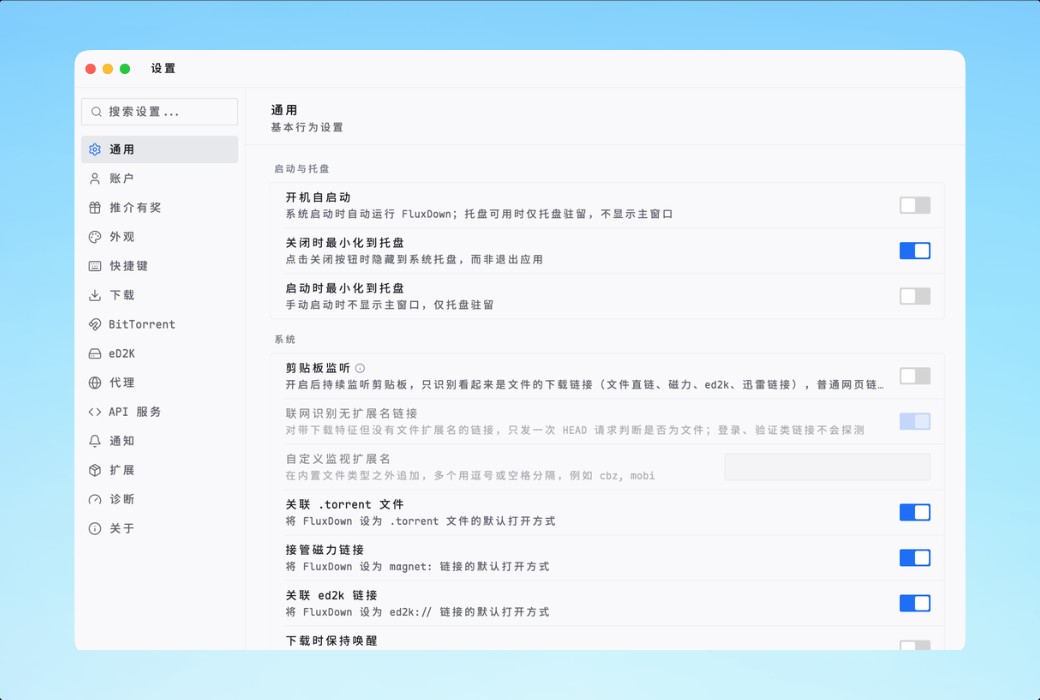
Flux Down is a native download manager for GPU rendering. The Rust engine dynamically segments, helps speed up, and resumes from breakpoints at runtime - covering HTTP, FTP, BitTorrent, eD2K, HLS, and DASH in one go. Free and open-source, without advertisements.
Segments that will rebalance themselves
The engine does not cut the file before starting, but rather splits it at runtime. When a connection is completed ahead of schedule, it will split the slowest segment still in transit in half and take over the latter half - no slow image can hold up the entire download.
Six protocols, one queue
Each protocol has its own dedicated downloader, all within the same Rust engine - shared queue, speed limit, retry, classification, and continuation status.
Close the window, download as usual
The interface is directly drawn by GPU, based on the Rust UI framework behind GPUI - Zed editor. It's just a facade: the download runs in the resident agent and daemon, and the exit window never interrupts the transmission.
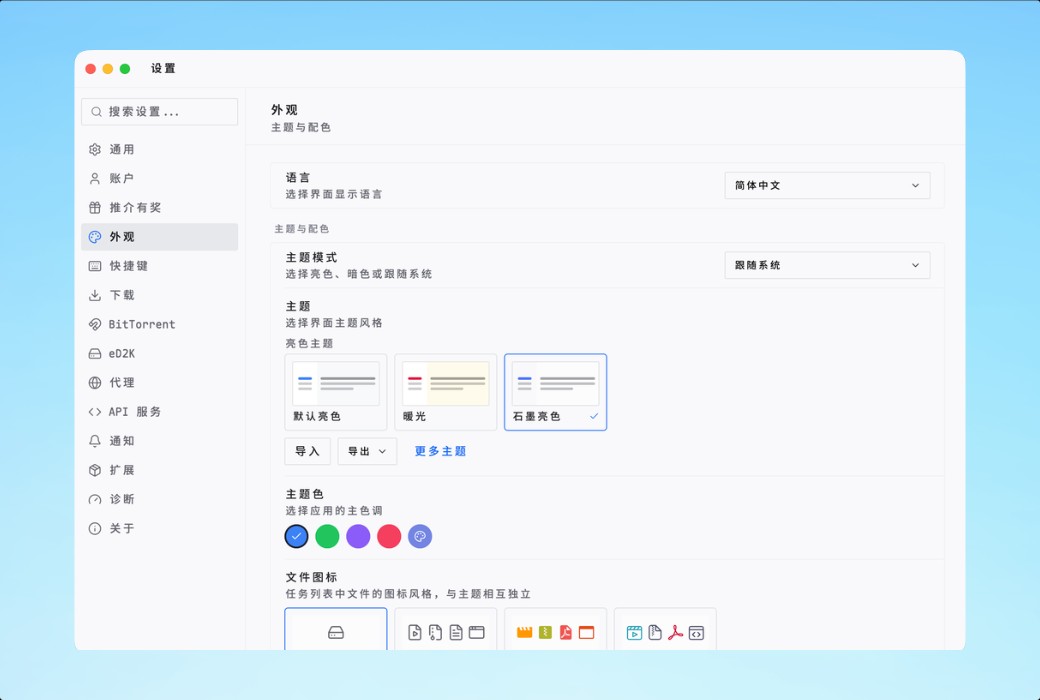
Community Theme
The color scheme created by the community for the native Flux Down client. After downloading the theme JSON, import it into the desktop client under "Settings → Appearance" to use.
FluxDown HTTP API
All endpoints exposed by the local daemon process - task and queue management, aria2 JSON-RPC compatibility layer, and browser takeover API - are generated by the OpenAPI 3.1 specification.
Expand engine capabilities
Link parser and event hook, published in an open Git index. View the purpose and required permissions of each plugin, and trace each version back to the corresponding submission. Install in the desktop client under "Settings → Extensions → Plugin → Marketplace".
Design your theme in real-time
Edit each color and size token, and the simulation interface of the desktop client will update instantly with the input. Right click on any block in the preview to see which tokens it is drawn from.
Record each release in sequence
The update instructions for Flux Down are directly from GitHub Releases. Each version has independent anchor points that can be directly linked.
Information source:https://fluxdown.com/zh/#features
Official website:https://fluxdown.com/zh/
Download Center:https://fluxdown.apsgo.cn
Delivery time:24-hour automatic shipping
Operating Platform:Windows、macOS、Linux
Interface language:Supports Chinese interface display and multiple language options.
Update Description:Permanent update
Trial before purchase:Free trial is available before purchase.
How to receive goods:After purchase, the activation information will be sent to the email address at the time of placing the order, and the corresponding product activation code can be viewed in the personal center, My Orders.
Number of devices:Unlimited device synchronization, login account usage.
Replace computer:Uninstall the original computer and activate the new computer.
Activation guidance:To be added.
Special note:To be added.
Reference materials:https://fluxdown.com/zh/

Any question